Courses
DatabasesFree

SQL & Databases Mastery

Query, join, aggregate, design and tune the database every placement test and production service depends on

4 modules8 lessons2 hr 10 minBeginner
Beginner
8 lessons in 4 modules
2h 10m of material
8 challenges
English audio
English captions
Certificate on completion

What you'll get

  • Verifiable certificate

  • XP on the leaderboard

Your certificate

TTieEduCertificate of Completionawarded toyour nameSQL & Databases MasteryProfessional Tier

Preview of the certificate this course issues. Yours will carry your name, score and a verifiable serial — signed, not editable.

What you will build

Build and query a small schema end to end

Design a 3NF schema for a mini e-commerce system (customers, products, orders, order_items) with proper keys and constraints. Populate with at least 20 rows of realistic sample data. Then write and run: (1) a LEFT JOIN report of customers with order counts including zero-order customers, (2) a GROUP BY + HAVING revenue report, (3) a subquery or CTE finding above-average spenders, (4) a window-function running total per customer, and (5) one EXPLAIN ANALYZE on an indexed vs unindexed query with a short note on what changed. Submit the SQL script and a short write-up.

You will submit: A single .sql file with DDL, sample INSERTs, the five queries and EXPLAIN output, plus a brief PDF or markdown explaining design and index choices.

SELECT, WHERE and the query lifecycle

Read a query the way the engine reads it, and filter rows without guessing.

What you will learn
  • Write a SELECT with column projections, aliases and computed expressions
  • Filter rows with WHERE using comparison operators, IN, BETWEEN, LIKE and NULL checks
  • Order and limit results with ORDER BY and LIMIT/OFFSET
  • Explain the logical order in which a SQL query is evaluated

A product manager asks you for "top 10 customers by revenue in the last quarter who have not returned an order". That is one SELECT with a join, a GROUP BY, a HAVING, an ORDER BY and a LIMIT. Every clause has a fixed position in the query and a fixed position in the engine's evaluation order. Learn that order once, and multi-clause questions stop being intimidating.

A SELECT statement answers: which rows, which columns, in what order, how many.

The logical evaluation order (not the written order):

  1. FROM / JOIN — identify the source rows.
  2. WHERE — filter rows (before grouping).
  3. GROUP BY — collapse rows into groups.
  4. HAVING — filter groups (after grouping).
  5. SELECT — choose columns and compute expressions.
  6. DISTINCT — remove duplicate rows.
  7. ORDER BY — sort the result.
  8. LIMIT / OFFSET — cut the result.

This is why you cannot use a column alias inside WHERE (the alias is only resolved at step 5) and why WHERE filters rows while HAVING filters groups.

NULL is three-valued logic. NULL means "unknown", not zero or empty string. Comparisons with NULL return NULL (treated as false), so WHERE col = NULL never matches. Use IS NULL / IS NOT NULL instead. Similarly, aggregates ignore NULLs: COUNT(col) skips NULLs, COUNT(*) counts rows.

Comparison operators
OperatorWorks withExample
=, <>, <, >, <=, >=Numbers, strings, datesage >= 18
IN (...)Listsstatus IN ('active', 'pending')
BETWEEN a AND bInclusive rangessalary BETWEEN 30000 AND 50000
LIKE patternStrings; % any run, _ one charname LIKE 'A%'
IS NULL / IS NOT NULLAny columnemail IS NOT NULL
NULL in WHERE

`WHERE salary = NULL` returns zero rows even when NULLs exist, because NULL = NULL is not true. Always write `IS NULL`.

Select explicit columns, never SELECT *

Explicit columns make queries readable, use indexes, and stop schema changes upstream from breaking your code. In interviews, always name the columns.

Filter, compute and order in one query
From an orders table (id, customer_id, amount, status, created_at), list the order id and amount for paid orders above 1000 placed in 2025, newest first, limited to 10 rows.
  1. 1

    Identify source and filters

    Source: orders. Filters: status = paid, amount > 1000, created_at in 2025.

    WHERE status = 'paid'
      AND amount > 1000
      AND created_at >= '2025-01-01'
      AND created_at <  '2026-01-01'
  2. 2

    Project only the needed columns

    Select id and amount. Add a computed column for amount with GST if wanted.

    SELECT id, amount
  3. 3

    Order and limit

    Newest first: created_at DESC. Top 10: LIMIT 10.

    ORDER BY created_at DESC
    LIMIT 10

Solution

SELECT id, amount FROM orders WHERE status = 'paid' AND amount > 1000 AND created_at >= '2025-01-01' AND created_at < '2026-01-01' ORDER BY created_at DESC LIMIT 10;

Write these queries

1. List names of employees in department 3 earning more than 50000. 2. Find products whose name starts with "Pro" and price is between 100 and 500. 3. List all users with a NULL phone number, ordered alphabetically by name.

Hint: 1: SELECT name FROM employees WHERE department_id = 3 AND salary > 50000. 2: WHERE name LIKE 'Pro%' AND price BETWEEN 100 AND 500. 3: WHERE phone IS NULL ORDER BY name.

Common mistakes
  • Using = with NULL

    NULL = NULL is not true. Use IS NULL / IS NOT NULL.

  • Putting aggregates in WHERE

    WHERE filters rows before grouping. Aggregate conditions belong in HAVING.

  • Forgetting that LIKE is case-sensitive in some engines

    PostgreSQL LIKE is case-sensitive; use ILIKE or LOWER() for case-insensitive matching. MySQL default collation is usually case-insensitive.

Exam / interview angle

Why does `SELECT * FROM t WHERE col <> NULL` return no rows even when col has NULLs?

Any comparison with NULL evaluates to UNKNOWN, not true or false. WHERE only keeps rows where the condition is TRUE, so UNKNOWN rows are dropped. Use IS NOT NULL instead.

Source: Standard interview warmup

Lesson summary
  • Logical order: FROM -> WHERE -> GROUP BY -> HAVING -> SELECT -> DISTINCT -> ORDER BY -> LIMIT.
  • NULL is unknown; use IS NULL, never = NULL.
  • SELECT explicit columns; never SELECT * in production code.
  • WHERE filters rows; HAVING filters groups.
Semester exam prep

Placement OA database rounds and backend/data analyst interviews

Units, important questions and previous-year papers — revisit before every exam.

1

SELECT, Filtering & JOINs

Logical order: FROM -> WHERE -> GROUP BY -> HAVING -> SELECT -> ORDER BY -> LIMIT. NULL uses IS NULL. LEFT + COUNT(right.key) for zero-safe counts; LEFT + WHERE right IS NULL for anti-joins.

3 important questions
  1. Why can you not use a SELECT alias in WHERE?
  2. INNER vs LEFT: how do you decide?
  3. Write the anti-join for customers with no orders.
2

Aggregation & Subqueries

COUNT(*) vs COUNT(col); aggregates ignore NULLs. WHERE filters rows, HAVING filters groups. Scalar subqueries for comparisons; NOT EXISTS over NOT IN when NULLs are possible; CTEs for readability.

3 important questions
  1. Difference between COUNT(*) and COUNT(col)?
  2. When do you use HAVING instead of WHERE?
  3. Why avoid NOT IN with a subquery that may return NULL?
3

Schema, Constraints & Indexes

PRIMARY KEY = unique + NOT NULL. CHECK passes on NULL — pair with NOT NULL. NUMERIC for money. Composite index: equality columns first (most selective), range/sort last; FKs need explicit indexes in PG.

3 important questions
  1. Why is FLOAT unsafe for monetary values?
  2. State the leftmost-prefix rule for composite indexes.
  3. Are foreign key columns auto-indexed in PostgreSQL?
4

Normalization, Transactions & Windows

1NF atomic; 2NF no partial dependency; 3NF no transitive non-key dependency. ACID; isolation levels trade anomalies for concurrency. Window functions run after WHERE/GROUP BY; filter window results in an outer query.

3 important questions
  1. Define 3NF and one anomaly it prevents.
  2. What does READ COMMITTED allow and forbid?
  3. How do you write a running total per customer?

What you will be able to do

  • Write SELECT queries with filtering, sorting and limits using the correct evaluation order
  • Combine tables with INNER, LEFT and anti-joins without multiplying or dropping rows
  • Summarise data with GROUP BY, HAVING and NULL-aware aggregates
  • Nest subqueries and rewrite them as readable CTEs
  • Design schemas in 3NF with proper keys and constraints
  • Choose composite indexes that match the leftmost-prefix rule and verify with EXPLAIN
  • Explain ACID and isolation levels in plain language
  • Compute running totals, ranks and shares with window functions

About this course

SQL is unusual in the curriculum: it is the one skill that appears in first-year courses, placement tests, internships and every backend job — and it is still taught badly in most colleges as a list of keywords rather than a mental model.

This course builds the mental model first. Query evaluation order explains why aliases fail in WHERE and why HAVING exists. Join cardinality explains why reports suddenly show ten times the expected rows. The leftmost-prefix rule explains why an index you added is never used. Each concept has a geometric or procedural picture, and the exam questions become applications of that picture rather than puzzles.

Normalization and transactions close the loop: you will be able to design a small schema that does not corrupt itself under concurrent writes, and defend those design choices in an interview. Window functions finish the course with the analytics pattern that modern take-home tests assume.

Every lesson ends with a quiz graded on the server, and the course finishes with a 15-question timed exam drawn from a 30-question bank. Passing earns a verifiable TieEdu certificate.

Who this course is for

  • Students preparing for campus placements and OA database rounds
  • Aspiring backend and full-stack developers
  • Anyone targeting data analyst or data engineer roles
  • Working developers who want to systematise SQL knowledge

What you should know before you start

Anything here is assumed, not taught. If it is not on the list, the course explains it.

  • Basic computer literacy
  • Willingness to run practice queries on a free PostgreSQL or MySQL instance

Questions before you start

How much time does SQL & Databases Mastery take?

The course is 4 modules and 8 lessons — about 2 hr 10 min of material in total. Lessons unlock in order, so the time it takes you depends on how much of each lesson you actually read.

Do I get a certificate?

Yes. Finish every lesson and a certificate is issued automatically. Its serial is public: anyone can check it at https://tieedu.com/verify without an account, and a revoked certificate stops verifying.

Is it really free?

Yes — this course is free, and there is nothing to buy to start it.

How is my progress tracked?

On the server, lesson by lesson. Time is credited at real-time speed and capped, so a lesson cannot be marked complete faster than it can be read. That is why the percentage survives a new device.

How do ratings work?

Only learners who finished the course can rate it, and the average shown is calculated from those ratings alone. A course nobody has finished yet carries no rating rather than a default one.

See all

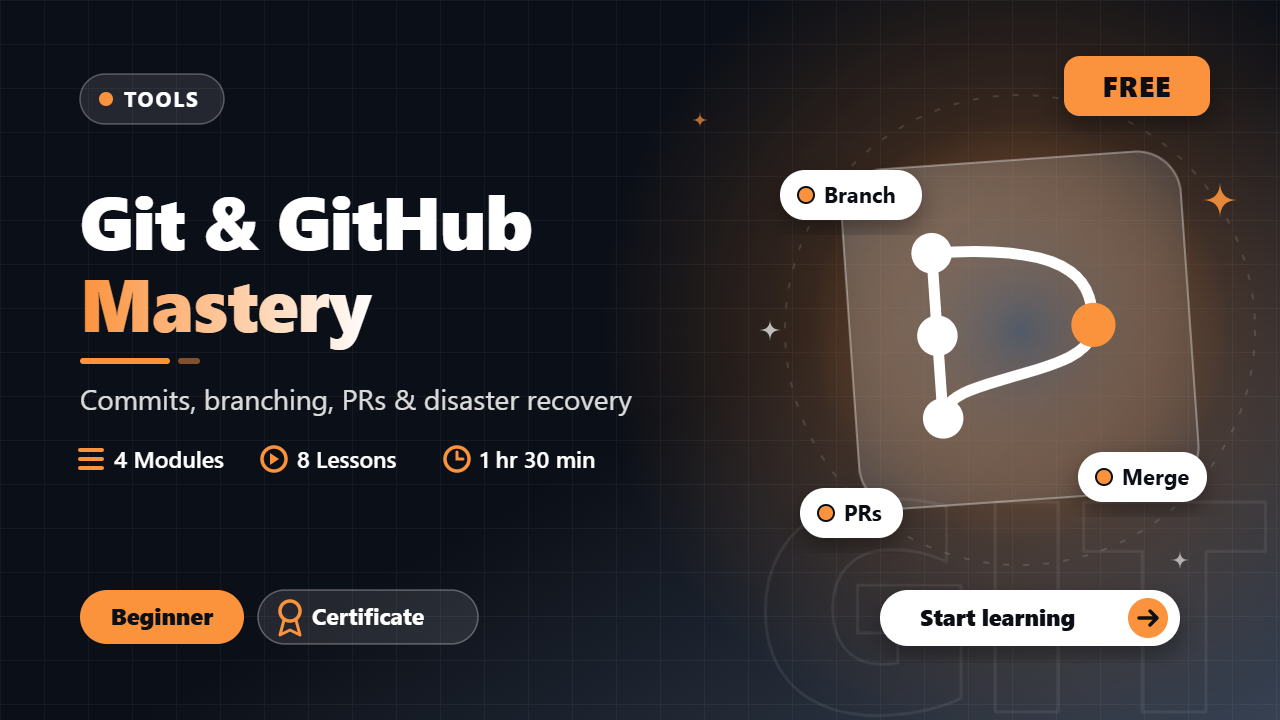
Git & GitHub Mastery

Beginner · Tools

From first commit to confident collaboration — snapshots, branching, PRs, hooks and disaster recovery

4 modules8 lessons1 hr 30 min
FreeNew

Linux & Shell Basics

Beginner · Tools

Navigate the filesystem, filter text like a pro, manage processes and write your first real bash scripts

4 modules8 lessons1 hr 33 min
FreeNew

DBMS

Intermediate · Computer Science

ER models, SQL, normalization, transactions, concurrency control and crash recovery — exam + interview core

4 modules8 lessons2 hr
FreeNew

Aptitude & Reasoning Mastery

Beginner · Career

Clear the OA round - the highest-frequency quant and reasoning topics from TCS, Infosys, Wipro and Capgemini, taught with the shortcuts that save minutes

4 modules8 lessons2 hr
FreeNew

Free · lifetime access

Candidate Verified

Real interview questions verified by candidates placed at top tech firms.

View-Only PDF Security

Watermarked licensed PDFs, server-side unlock checks — no raw download paths.

Honest, Server-Driven

Pricing, coupons and unlocks are verified by the backend — no bypasses.

TieEdu — Learn, Evolve, Develop

© 2026 TieEdu Technologies. All rights reserved.

Built for placement season within India

Visitors who arrive through an email link are remembered with a first-party cookie so we can see which pages that mail led them to — never the other way round, never on login or admin pages, and never for anonymous visitors. Every email carries a one-click unsubscribe that stops both mailings and tracking.